

Find your way around the docs
What's on the MergeWiFi docs, how to search them, how to sign in to see the guides for your account, and how to download sales sheets and ask about a doc.
The MergeWiFi docs at docs.mergewifi.com have guides for selling, installing and supporting MergeWiFi, a sales sheet for every device, brand assets for your marketing, and guides to the Partner API.
Some docs are open to everyone, so you can send them to a customer. Guides about the portal, and the kits for your own selling, are for partners: sign in to see them.
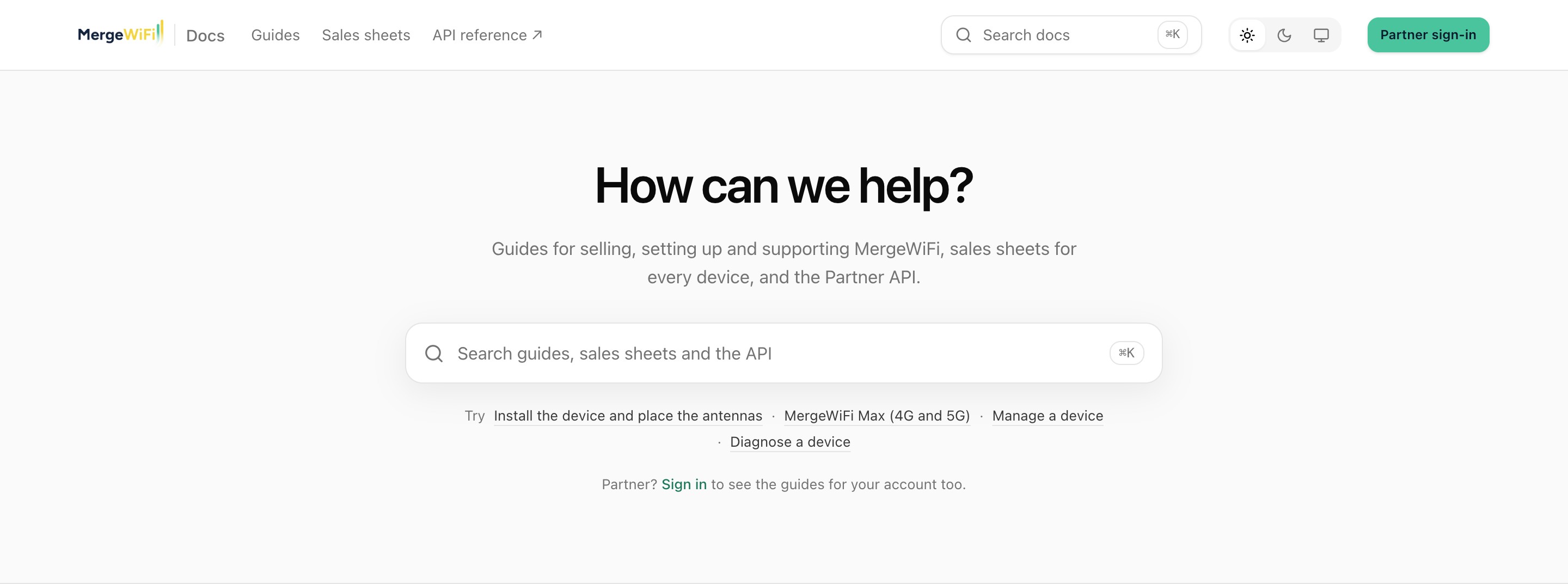
Sign in to see the guides for your account
Click Partner sign-in at the top of any page, and sign in with your portal email. You come straight back to the docs, now showing the guides for your account as well.
What you see depends on your account. A guide to the Services tab, for example, only shows if your organization has Services. If you belong to more than one organization, pick which one you're reading for from the switcher at the top right. The docs change to match.
When you're signed in, Open the portal at the top takes you back to your dashboard.
Search
Press ⌘K on a Mac or Ctrl K on Windows, or /, from any page. You can also click the search box at the top or on the home page.
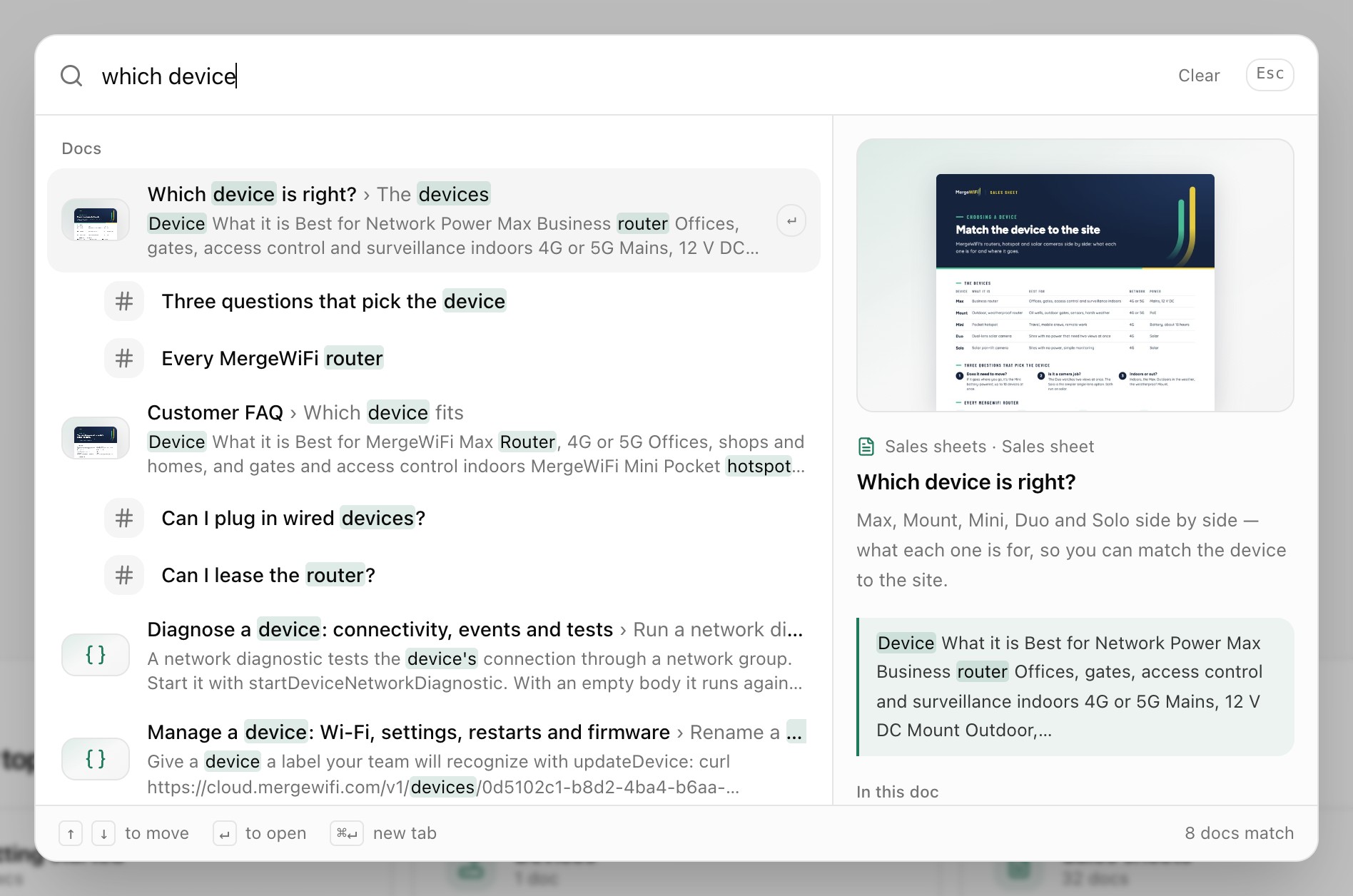
- Results show each matching doc, and the section inside it that matches.
- The panel on the right previews the highlighted result.
- Use the arrow keys to move and Enter to open. Hold ⌘ or Ctrl while you press Enter to open it in a new tab.
- Calls in the Partner API show up too. Signed in, so do pages in the portal.
- Before you type, you'll see the docs you looked at recently and the sections of the page you're on.
See every result at the bottom of the list opens a search page with everything that matches.
Browse
- Browse by topic on the home page groups the docs: getting started, selling, devices, services, sales sheets, brand assets and the API. Each topic opens a page listing all its docs.
- Sales sheets across the top goes to a sheet for every device and solution, with use cases by industry below them.
- API reference opens the full Partner API reference, with every call and examples. See API reference.
Read a doc
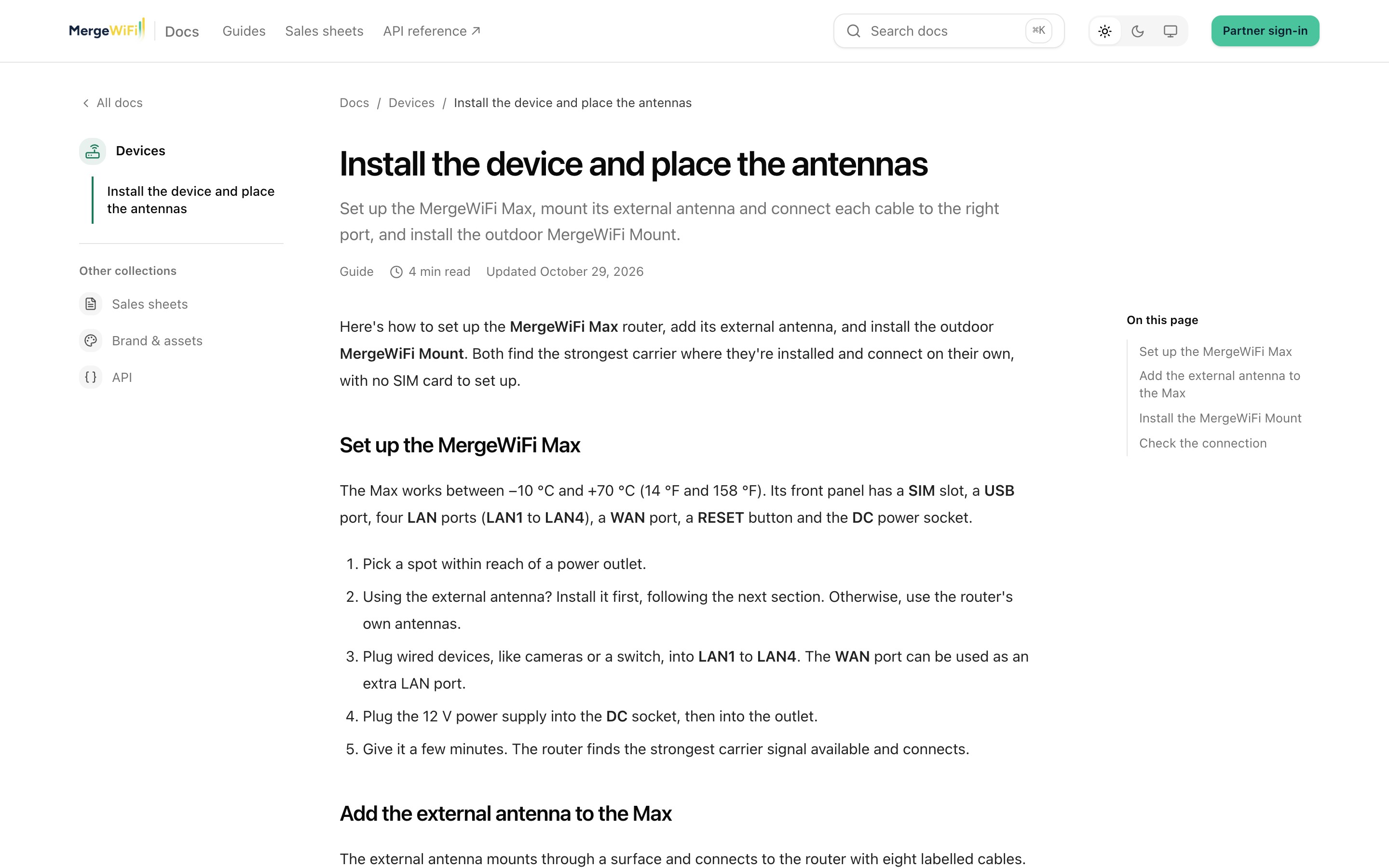
Each doc has the other docs in its topic on the left, and On this page on the right to jump to a section. Previous and Next at the bottom move through the topic.
Sales sheets and asset packs have their files on the page. Click a file to download it, ready to print or send to a customer.
At the end of every doc, tell us whether it helped. If you're signed in, you can add a note about what was missing, and Ask a question sends us a question about that doc straight from the page.

Light or navy
The three buttons at the top right switch between Light, Navy and Match my device. Your choice carries over to every MergeWiFi site you use in the same browser, including the portal.
Can't find something?
- Try different words in search, or open a topic and look through it.
- A page that says There's no doc here may be a partner guide. Sign in and try again.
- Signed in, click Open a ticket at the bottom of the home page to ask us. Otherwise, write to support@mergewifi.com.
Related: Sign in and join your organization · Install the device and place the antennas · API reference