

Sign in and join your organization
Accept your invitation and create your account, sign in to the Partner Portal, reset a forgotten password, and what to do if you can't get in.
The MergeWiFi Partner Portal is by invitation only. Someone at your company, your account manager or, for retailers, the distributor you work with sets you up, and you get an email to create your account. After that, you sign in with the same email every time.
Accept your invitation
Look for an email from MergeWiFi with the subject Welcome to and your company's name. It says you're pre-approved, with your role.
- Click Create your account in the email. The link is for your email address only, and your email is already filled in.
- Enter your first and last name.
- Set a password if you'd like one, and click Continue. A password is optional: without one, you sign in with a code we email you.
You land in your company's account, ready to go. There's nothing else to accept.
If you're a retailer joining through a distributor
Your distributor adds your business to their network, and we email you our mutual NDA to sign electronically. Once it's signed on both sides, your invitation arrives as above, and you join as your account's Admin. From there you can add the rest of your team yourself.
Sign in
- Go to cloud.mergewifi.com.
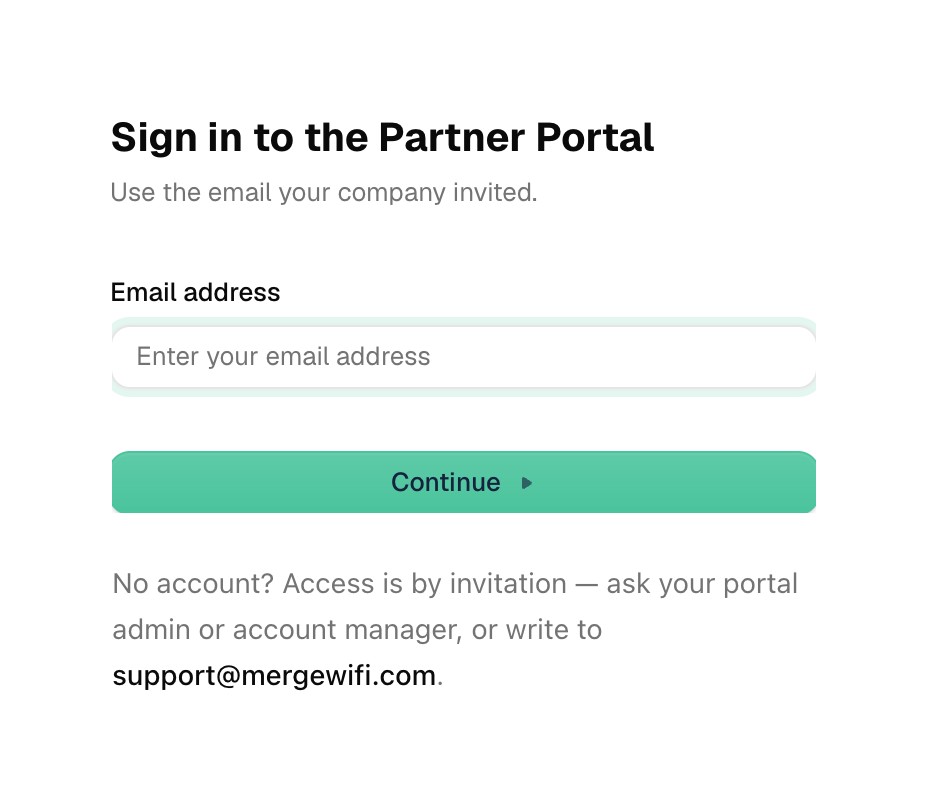
- Enter the email your company invited, and click Continue.
- Enter your password. No password? Choose Use another method to have a code emailed to you, then enter the code.
If you belong to more than one company's account, the one you're working in is shown at the top of the menu on the left. Click it to switch.
Forgot your password?
- On the sign-in page, enter your email and click Continue.
- Click Forgot password?
- We email you a code. Enter it, then choose a new password.
You can always sign in with a code by email instead, so a forgotten password never locks you out.
If you can't get in
| If | What to do |
|---|---|
| You can't find the invitation | Check your spam or junk folder for an email from MergeWiFi. Still nothing? Ask whoever invited you to send it again. |
| The invitation link has stopped working | Ask whoever invited you to resend it. A resent invitation has a new link. |
| The sign-in page doesn't know your email | Accounts are by invitation only. Make sure you're using the address you were invited at, or ask an Admin at your company to invite you. |
| You see that your organization is inactive | Your company's account has been paused. The page shows your account manager's details. Contact them to restore access. |
| Nothing above helps | Write to support@mergewifi.com. |
Related: Find your way around the docs